One class, all day, one hub
Classroom Hub is classroom management software for primary school teachers who have the same class all day. The morning dashboard replaces the birthday chart, jobs board and timetable on the wall; homework check-in replaces the clipboard by the door; and class points feed a reward store instead of a laminated chart you redraw every term.
£49/year · 14-day free trial, no card required
UK GDPR compliant
Student data is hosted securely and never sold to third parties.
No credit card required
14 days of full access before you decide anything.
Cancel anytime
No lock-in contract, and a 90-day window to export your data.
Ready for every class
Unlimited classes and students on one simple plan.
A primary day, without the wall charts
- 8:40
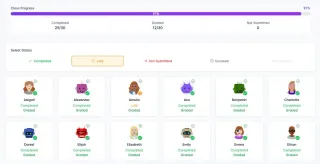
They come in and check themselves in
Homework check-in on the board instead of you ticking a clipboard by the door. You see who is done at a glance.
- 8:55
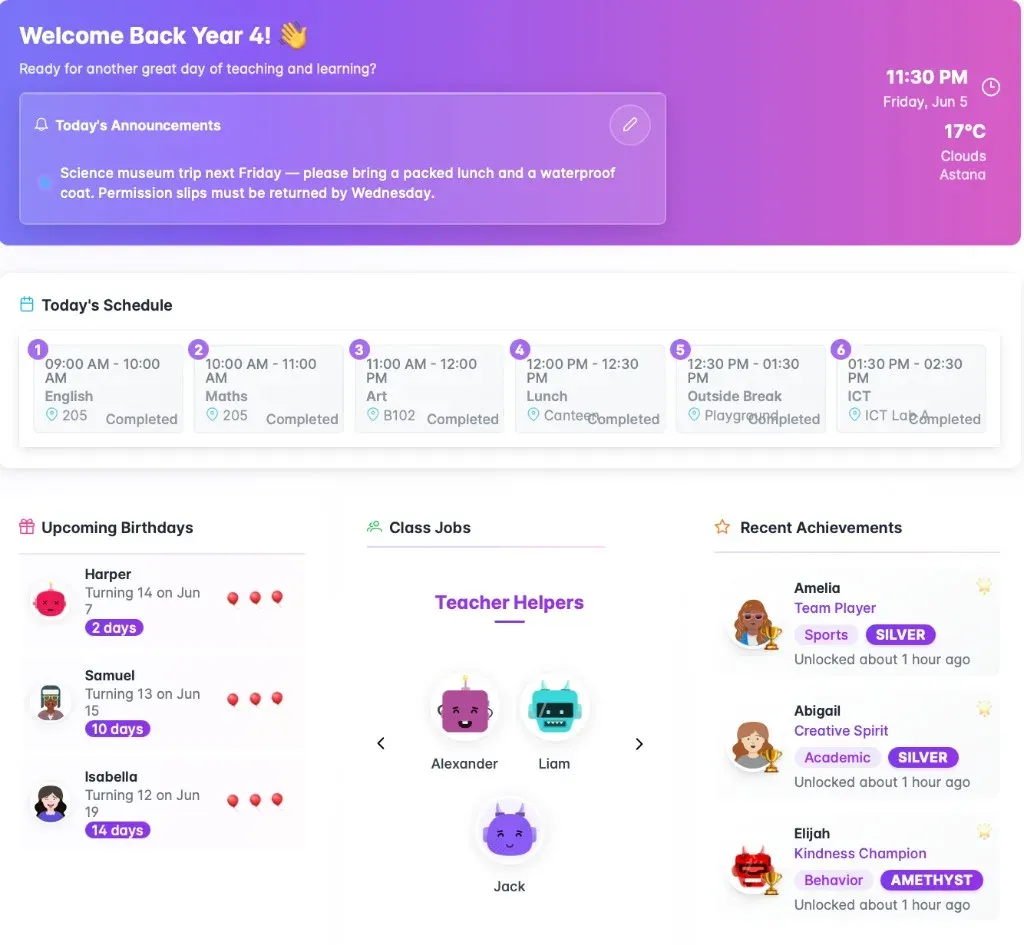
Registration on the class dashboard
Today's timetable, birthdays, class jobs and this week's achievements on one screen — the four things that used to be four bits of laminated card.
- Through the day
Points where they are earned
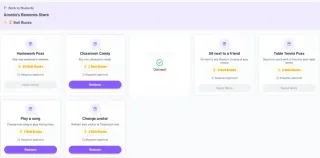
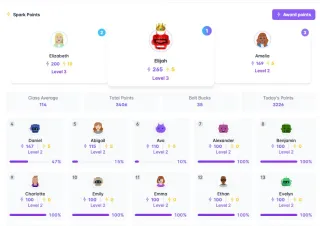
Award class points from the board. Students see their balance and spend it in the reward store, so the points chart and the prize box are finally the same thing.
- Friday
Star of the Week that survives the weekend
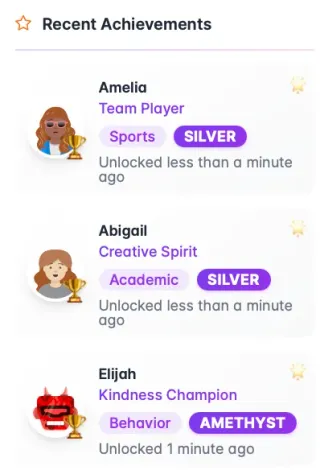
Set the award up once. Class points are added automatically and recent winners stay on the dashboard instead of being wiped off the whiteboard on Monday.
Try it with a pretend Year 3 class
Every screen works, with a pretend class. Nothing is saved and there is no sign-up.
Good morning, Year 3
Today
Birthdays

Mei is 8 today!

Noah turns 8 in 3 days
Class points
- 1Amira 14
- 2Leo 11
- 3Sofia 9


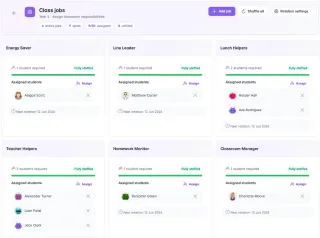
Class jobs
- Line LeaderAmira
- Lunch HelpersLeo, Sofia
- Book MonitorYusuf
Recent achievements
Sofia
Reading Hero
Leo
Team Player
Homework


Try it with your own class
14 days of full access, no credit card required. Set up one class and see whether it survives a real week.
No credit card required · Cancel anytime
Common questions
Is Classroom Hub suitable for KS1 as well as KS2?
Yes. Everything students see is visual — avatars, icons and dashboards rather than text-heavy screens — which is what makes it work with younger children and with EAL learners who are still building English. Younger classes typically use the dashboard, homework check-in, points and achievements; the gradebook matters more further up the school.
I have one class all day. Am I paying for things I will not use?
There is only one plan at £49/year, so there is nothing to over-buy. Primary teachers tend to live in the dashboard, homework check-in, jobs and rewards, and use the gradebook lightly. You are not charged more for the features you skip.
Does it work for EAL learners?
That is a large part of why it looks the way it does — it is built by international teachers. Avatars, icons and visual dashboards mean a child who is still learning English can still read the board, and the fairness-weighted name picker takes the argument out of whose turn it is.